






Ride with GPS
To know
Follow the route with Ride with GPS
Designed for cyclists, Ride with GPS is a navigation app that shows you the route, guides you with voice prompts and provides useful information about the places you pass through.
We have been working with Ride with GPS for several years, and it now accompanies all of our Original bike tours. Access to our content is free, and you can easily download the app to your smartphone.
In brief
How does the app work?
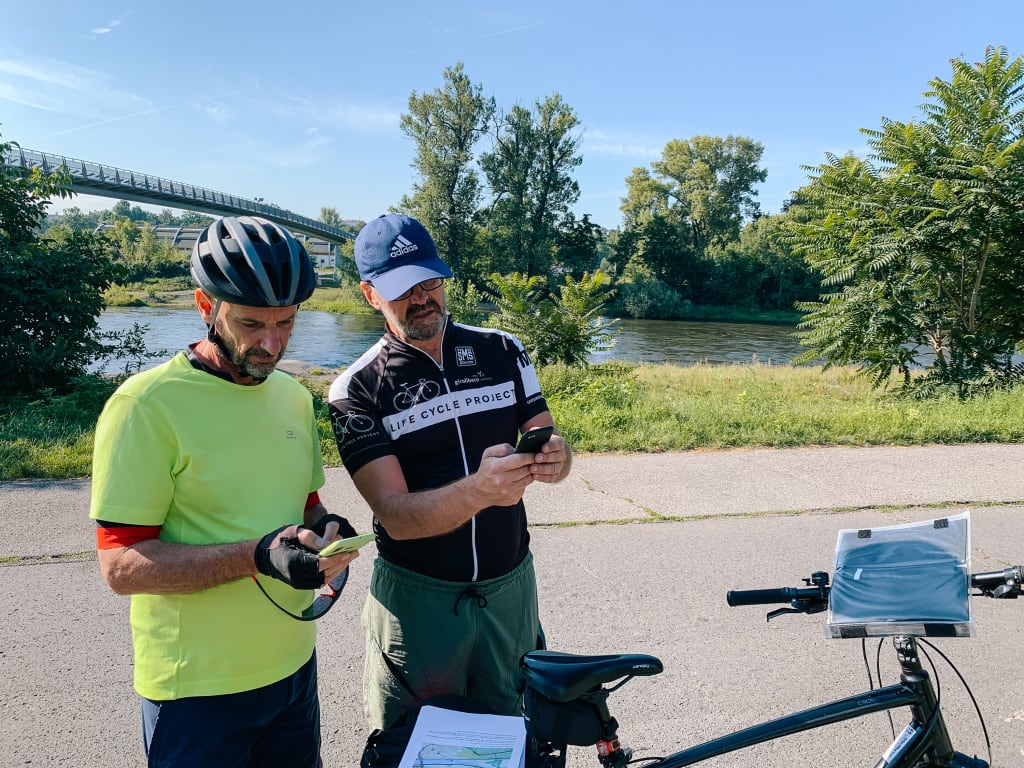
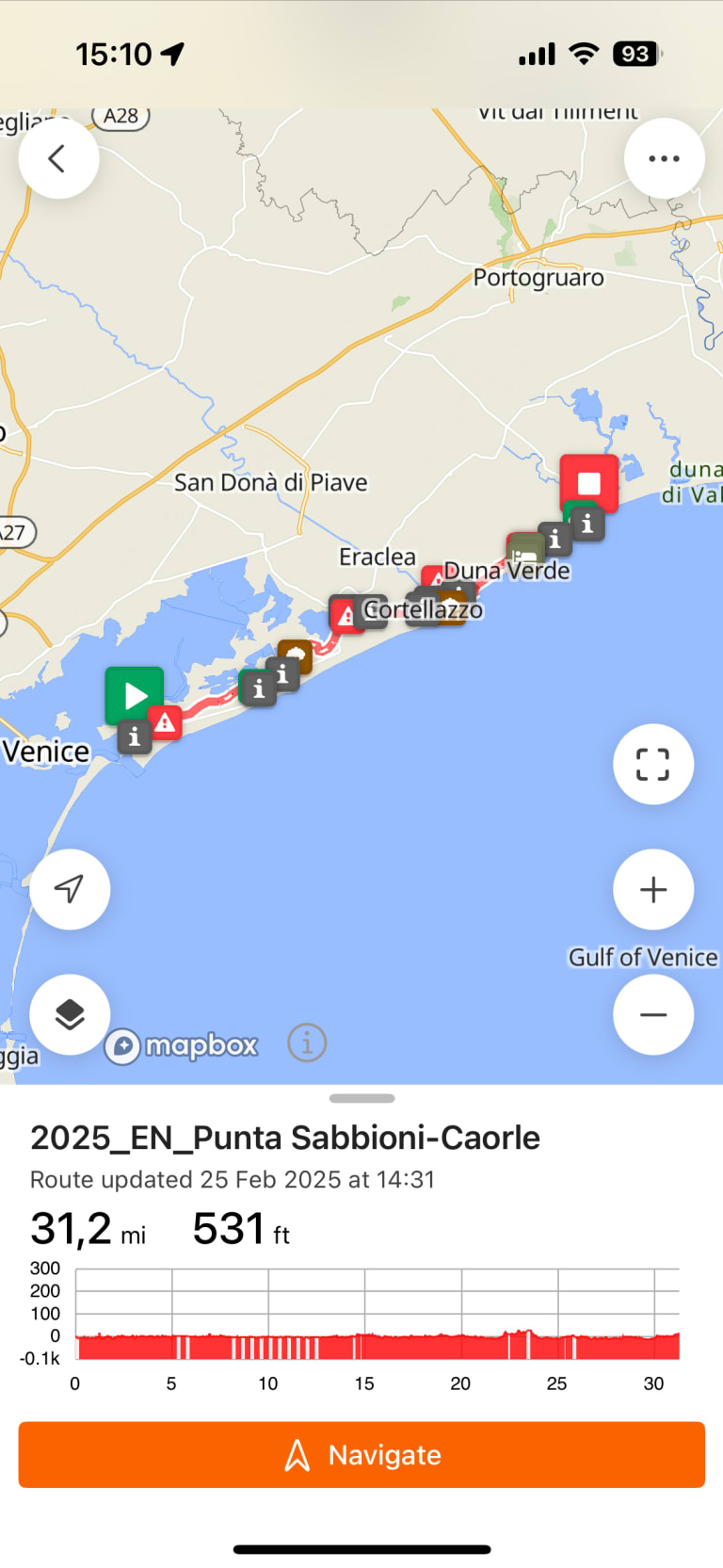
With Ride with GPS, you can follow the route with voice guidance, view route tracks, and access tour content at any time. All of this can be done directly from your phone.
About a month before departure, you will receive your travel documents, along with an access code for your tour. There’s no need to create an account — just enter the code and you’re ready to go!
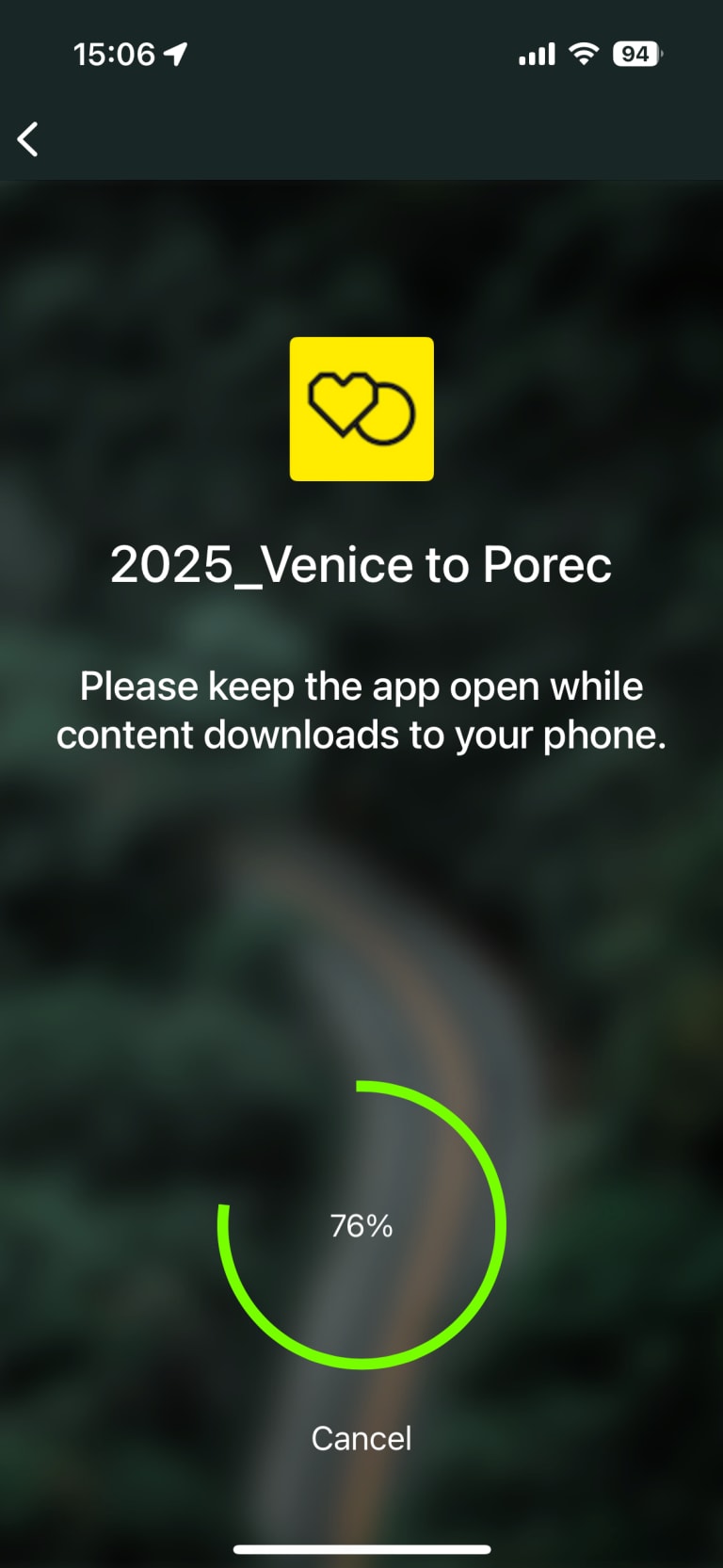
The app also works offline, so you can ride worry-free and without using up your data.
Before you leave
We recommend downloading the app in advance so you can read the content.
It’s easy to use:
- download the Ride with GPS app from Google Play or the App Store – the app is free and you don’t need to create an account
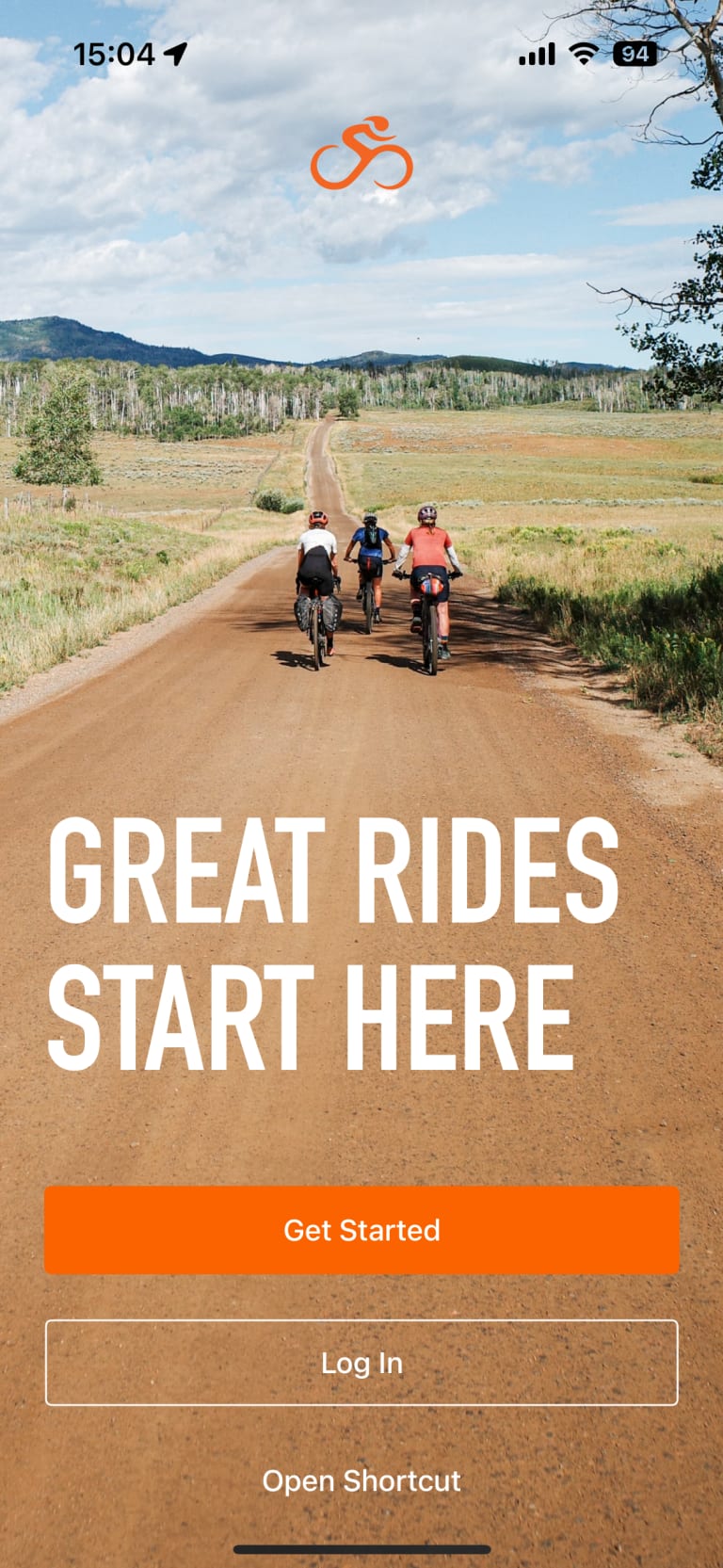
- open the app
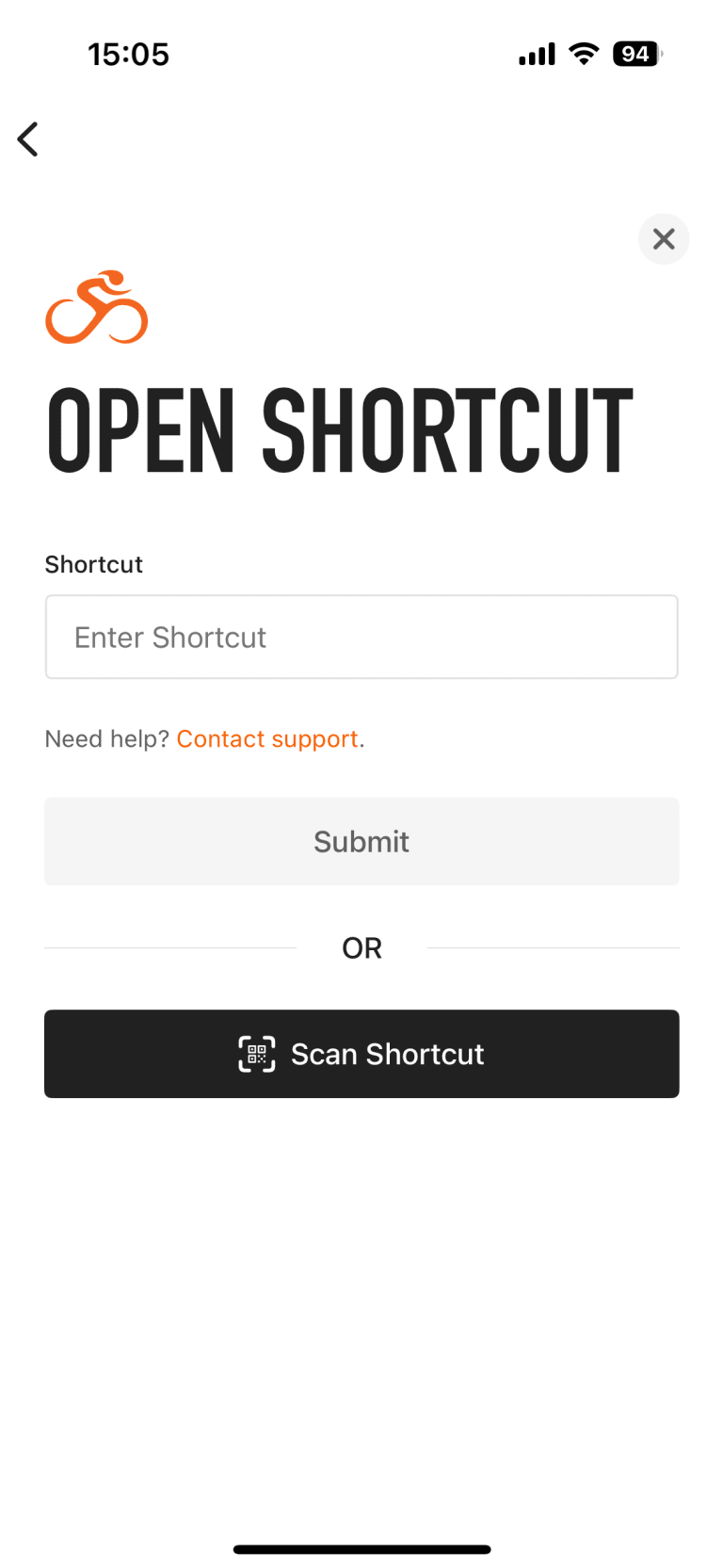
- tap Open shortcut
- enter the password (link code) in your preferred language
- tap the daily stage and start navigation
Once you have downloaded your trip, you can use the app even without an Internet connection. You can also activate voice navigation if you wish.
Your trip at your fingertips
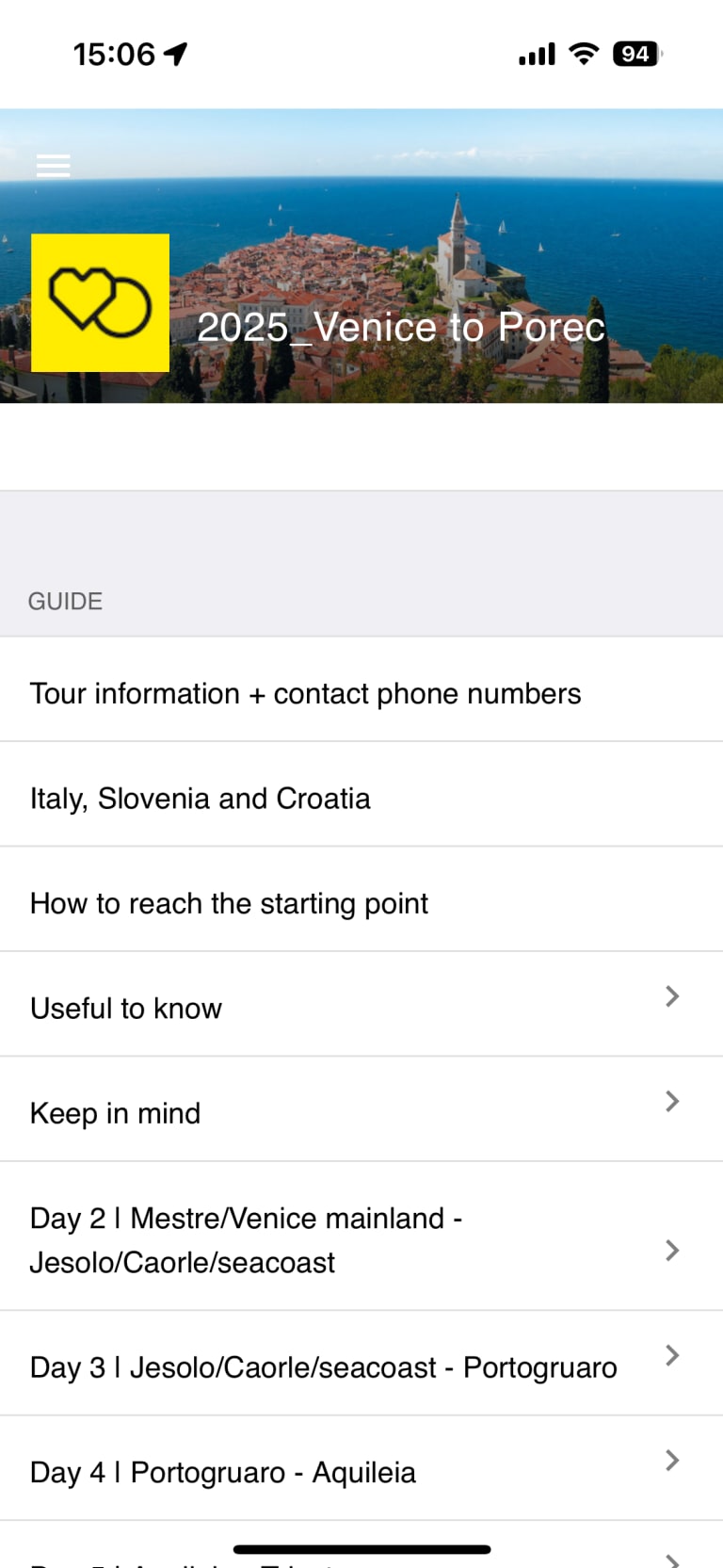
As well as the route, the app contains lots of useful, constantly updated content from our dedicated team to help you discover and understand the places you will pass through better. You will find practical information, interesting facts, historical notes and tips on places to stop and sights to see along the way.
You will also always have Girolibero’s contact details to hand in case of emergency, along with details of the hotels on your tour.
What to bring
To enjoy a comfortable and worry-free cycle, we recommend bringing the following:
- a power bank to recharge your phone during the day
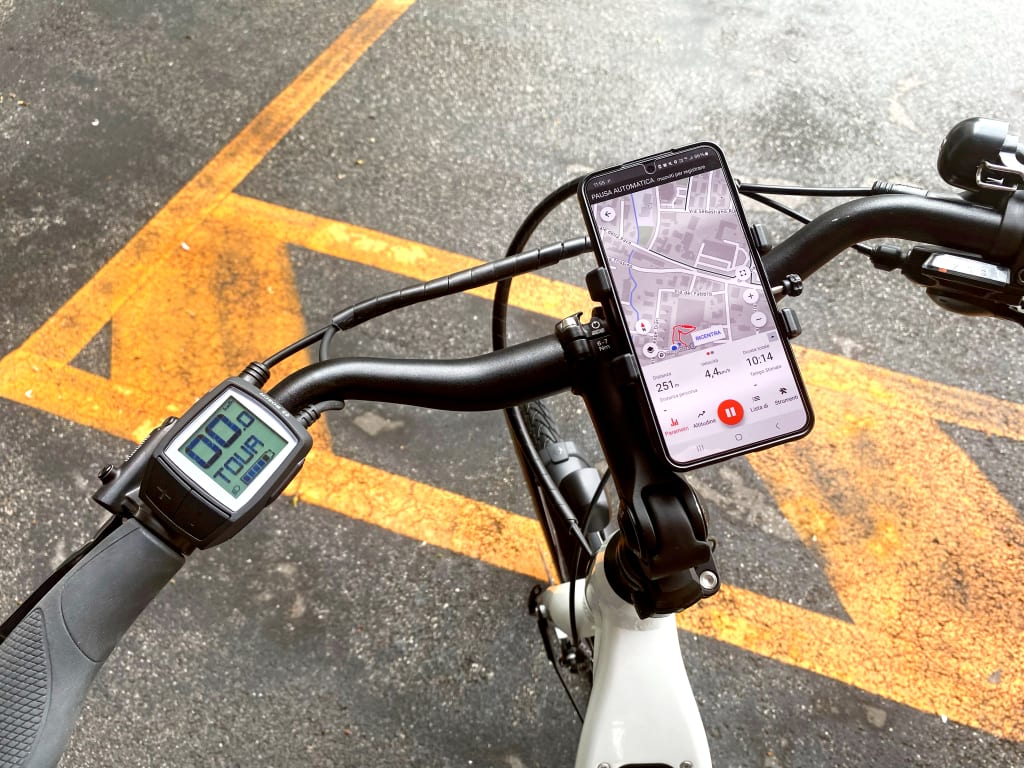
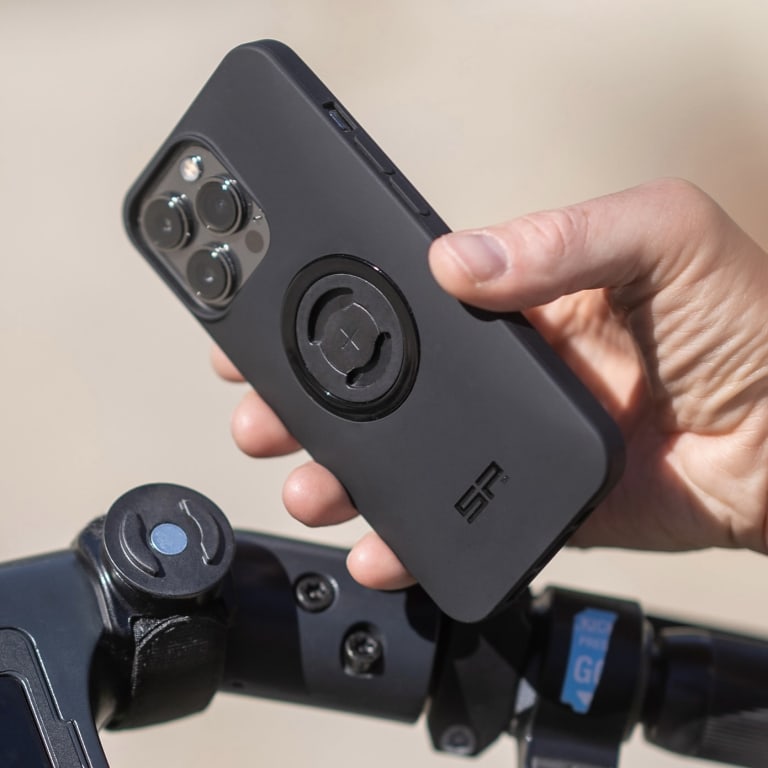
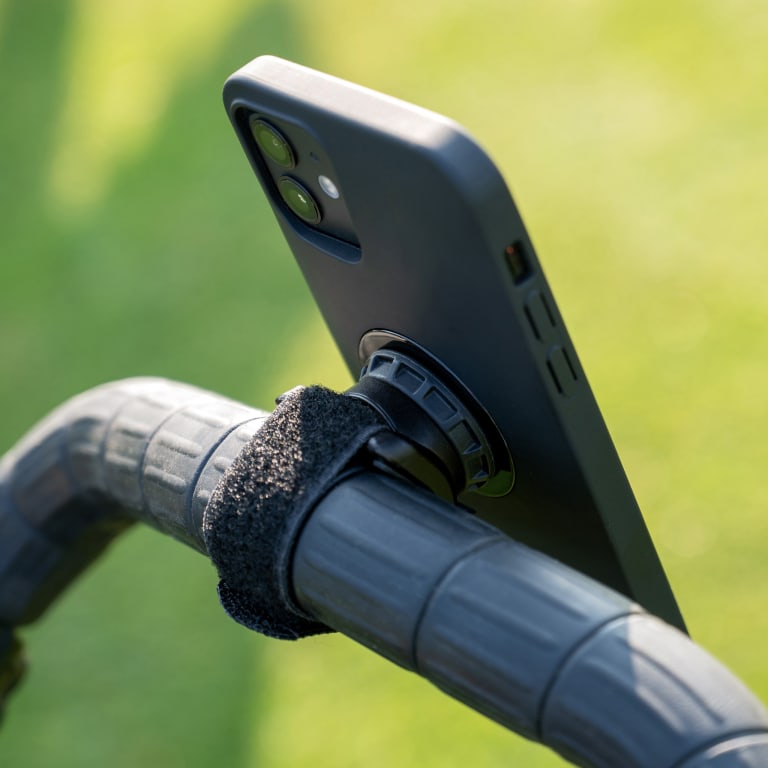
- a smartphone holder that can be attached to the handlebars (make sure it is stable and clearly visible).

Assistance
Need help?
If you have any questions or encounter any difficulties using the app, we are available to assist you. We also invite you to consult the following useful links:
FAQ
Ride with GPS is available for iPhone and Android. It requires at least iOS 8 or later, or Android 2.3 or later.
No, you don’t. Once you’ve downloaded your trip, you can use the app offline, without a connection.
We recommend using a smartphone holder that attaches to the handlebars, as this is the most convenient and safest way to follow the route. Here are some recommended models.
No, that’s not necessary. We will provide you with an access code that will allow you to view maps and content for your tour without having to register.
A little, like all navigation apps. To save some battery life, you can download maps for offline use before you arrive, turn off cellular data during your trip, keep the screen off as much as possible when not in use, turn off other apps, reduce screen brightness, and recharge your phone whenever you have access to a power outlet. We also recommend carrying a portable power bank with you.
If you have an active data connection, Ride with GPS will guide you back to the route automatically, just like a car navigation system.
If you are riding offline, the app will alert you with an audible signal and a message to help you find your way back.
Discover more

Traveler's tips and stories
One of the indispensable tools for a self-guided bike tour is the mobile phone holder. Before setting off, it is essential to find a solution that will allow you to consult the map of the itinerary with your smartphone in safety and comfort
Check out the best phone holder for a bike tour
Receive our newsletter
Loving what you have read so far? Stay in the loop and get free travel tips, ideas, and news from us!
Yes, sign me up!